
AI for Healthcare Customer Support: Faster Responses Without Risky Medical Advice
- Why healthcare support is ready for AI
- The key boundary: support vs medical advice
- Where AI can safely help support teams
- Where AI should not act alone
- A practical risk map for support automation
- What a safe AI support assistant needs
- Common mistakes in healthcare support automation
- How to implement AI healthcare customer support safely
- How BeKey helps healthcare teams build safer support automation
- Final thoughts
Healthcare support teams are often the first place where patient frustration becomes visible. A delayed reply, a confusing instruction, a repeated billing question, or a missed escalation can quickly affect the entire patient experience. For digital health companies, medtech platforms, clinics, and healthcare startups, support is no longer just an operational function. It is part of the product experience.
At the same time, support teams are dealing with growing pressure. Ticket volumes increase, patients expect faster answers, and agents spend hours responding to the same questions about appointments, account access, onboarding, billing, insurance, product usage, or care logistics. Many of these requests do not require clinical judgment, but they still take time and attention.
This is where AI healthcare customer support can create real value. It can help teams respond faster, organize incoming requests, reduce repetitive work, and improve consistency. But in healthcare, automation needs clear limits. A support assistant should not cross the line into diagnosis, treatment recommendations, medication guidance, or risky medical advice.
The goal is not to replace human support with a chatbot. The goal is to design healthcare support automation that helps teams move faster while keeping sensitive, clinical, and high-risk questions under human control.
Why healthcare support is ready for AI
Healthcare support teams handle many repetitive and predictable requests. Patients may need help resetting passwords, rescheduling appointments, uploading documents, checking payment instructions, connecting a device, finding onboarding information, or understanding how to use a digital health product.
These questions can create a heavy workload, especially when the company serves thousands of patients or users. If every simple request requires manual review, support teams become overloaded. Response times grow. Agents have less time for complex cases. Patient experience becomes inconsistent.
AI patient support can help by taking over parts of the support workflow that are repetitive, structured, and low-risk. An AI support assistant can classify tickets, suggest replies from approved content, summarize conversations, detect missing information, and route cases to the right team.
This is especially useful for companies with high ticket volume. AI can help reduce operational pressure without removing humans from the process. Instead of asking support agents to manually sort every request, rewrite the same answers, or search through documentation, AI can prepare the work and let humans focus on the cases that need judgment, empathy, or clinical review.
The key boundary: support vs medical advice
The most important rule for AI in healthcare customer support is simple: the assistant should know what it can answer and what it must escalate.
Operational support is usually safe to automate when it relies on approved information. For example, AI can help answer questions like:
How do I reset my password?
How do I reschedule an appointment?
Where can I find my invoice?
How do I upload a document?
How do I contact the support team?
How do I connect my device to the app?
These are support questions. They help patients navigate the product, service, or platform.
Medical advice is different. It involves interpretation, diagnosis, treatment decisions, medication changes, symptom assessment, or personalized clinical guidance. Questions like “What do my symptoms mean?”, “Should I stop taking this medication?” “Is this side effect dangerous?” or “What does my lab result mean?” should not be handled by an AI assistant on its own.
In these cases, the safest action is not to generate a confident answer. The safest action is to route the patient to the right professional, follow an approved escalation flow, or provide carefully reviewed safety language.
This distinction matters because AI can sound helpful even when it is wrong. In healthcare, that can create real risk. A safe AI support assistant for healthcare should be designed to support communication, not replace clinical judgment.
Where AI can safely help support teams
The most valuable AI use cases in healthcare support are often practical rather than dramatic. They are not about letting a chatbot “handle everything.” They are about improving the structure and speed of the support process.
One strong use case is ticket classification. AI can read an incoming message and identify whether it is related to billing, scheduling, technical issues, onboarding, account access, product use, or a potentially clinical concern. This helps route requests faster and reduces the time agents spend sorting tickets manually.
Another useful area is suggested replies. AI can draft answers based on approved FAQs, help center articles, policies, onboarding instructions, or product documentation. A support agent can then review and edit the response before sending it. This keeps communication consistent while avoiding fully uncontrolled automation.
AI can also summarize long support threads. This is helpful when a case moves between agents or departments. Instead of reading the entire conversation from the beginning, the next team member can quickly see the main issue, previous actions, missing information, and current status.
Knowledge base search is another practical use case. AI can help agents find the right internal document, policy, or instruction faster. For patient-facing self-service, it can also surface approved help content without forcing users to search through multiple pages.
AI can also support escalation detection. If a patient sounds frustrated, confused, distressed, or repeatedly contacts support about the same issue, the system can flag the case for human attention. This is valuable because not every urgent issue is clinical. Sometimes, a missed operational step can still damage the patient experience.
Where AI should not act alone
AI should not independently answer questions that require clinical judgment. This includes symptom interpretation, medication guidance, diagnosis, treatment advice, lab result interpretation, or emergency decision-making.
Even questions that look simple can be risky. For example, a patient asking whether they should take medication before a procedure may require knowledge of their medical history, allergies, current prescriptions, and clinician instructions. An AI assistant should not guess.
The same applies to symptom-related messages. A patient may describe something that sounds minor but could be urgent. The system should be able to recognize these situations and escalate them instead of trying to provide an answer.
This does not make AI less useful. It makes it safer. In healthcare, a good support assistant is not the one who answers the most questions. It is the one that answers the right questions, escalates the right cases, and avoids advising on its scope.
A practical risk map for support automation
Before implementing AI healthcare customer support, teams should separate support requests by risk level. This helps decide which workflows can be automated, which need human review, and which should always be escalated.
Low-risk requests usually include administrative or technical questions: password resets, appointment scheduling, document uploads, account updates, payment instructions, and general product navigation. These are often good candidates for automation or AI-assisted self-service.
Medium-risk requests may involve personal information, insurance, care logistics, device troubleshooting, prescription refill processes, or preparation instructions. AI can help classify, draft, or collect missing information, but human review may still be needed depending on the context.
High-risk requests involve symptoms, medications, test results, treatment decisions, or patient-specific clinical questions. AI should not answer these independently. It can identify the topic, collect structured information if approved, and route the case to a clinician or qualified care team.
Critical-risk requests include urgent symptoms, signs of immediate danger, severe distress, or any situation where delay could cause harm. These cases need predefined emergency language and immediate escalation according to the organization’s policy.
This risk-based approach prevents teams from treating all tickets the same. It also helps support leaders and founders in building automation that improves speed without creating unsafe patient interactions.
What a safe AI support assistant needs
A safe AI support assistant in healthcare is not just a chatbot connected to a model. It needs a clear workflow design, strong boundaries, and governance from the beginning.
First, the assistant needs a defined scope. It should be clear whether it helps with FAQs, ticket routing, reply drafting, knowledge base search, onboarding support, or conversation summaries. A vague assistant that “helps patients with anything” is much riskier than a focused assistant designed for specific support tasks.
Second, it should rely on approved knowledge sources. Answers should come from reviewed FAQs, policy documents, product documentation, help center content, and approved scripts. This reduces the chance of unsupported or invented responses.
Third, human review should remain part of the process where needed. In many cases, AI should draft rather than send. Support agents can approve, edit, or reject the response. Over time, some low-risk replies may become fully automated, but only after testing and monitoring.
Fourth, escalation logic should be built into the system. The assistant should recognize clinical questions, urgent language, privacy concerns, complaints, emotional distress, and uncertainty. When the case is outside its safe scope, it should stop generating an answer and route the request.
Finally, the system should be auditable. Teams need to know what the AI suggested, what sources it used, whether a human edited the response, and when escalation happened. This matters for quality control, compliance readiness, and continuous improvement.
Common mistakes in healthcare support automation
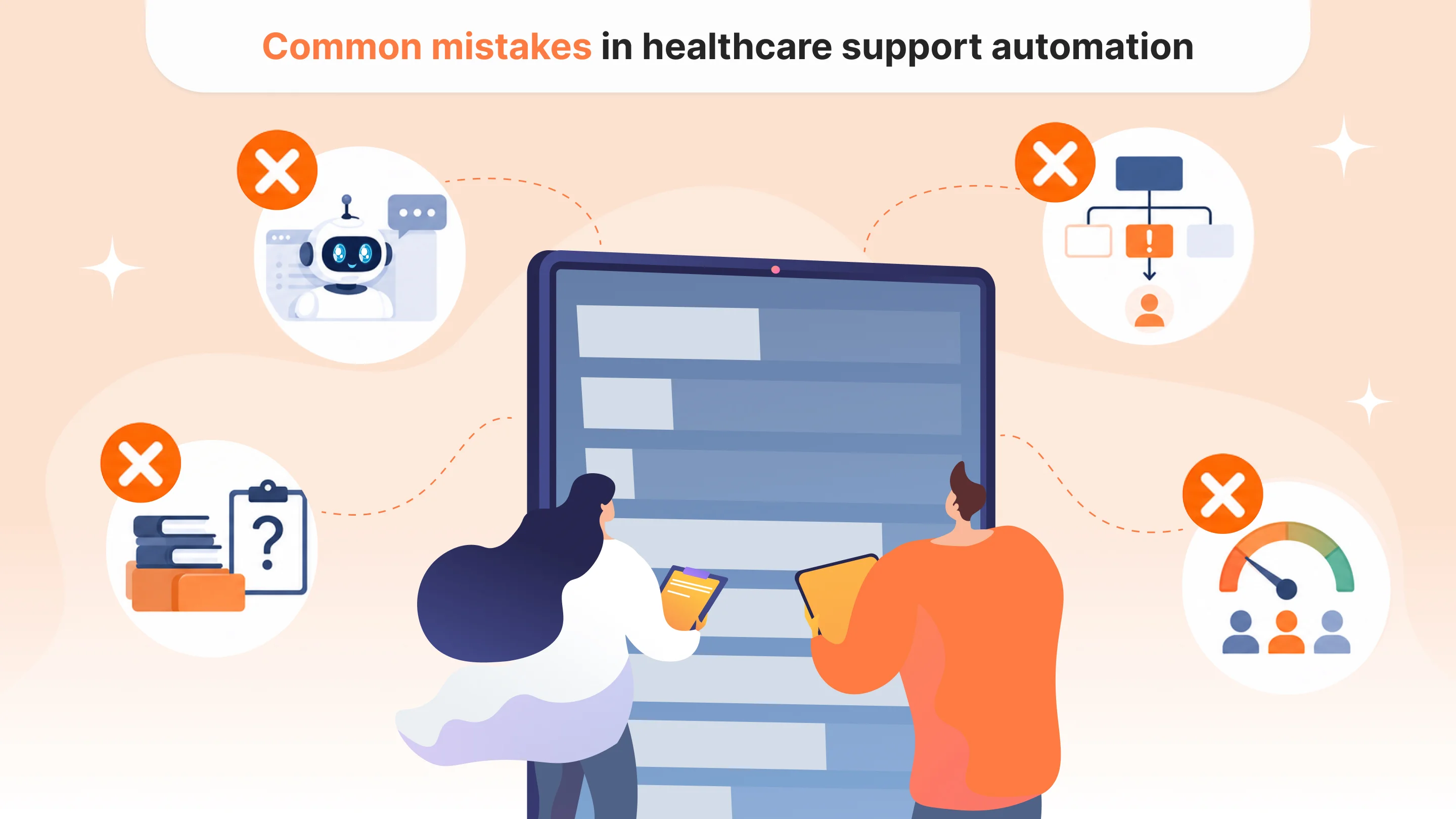
Many healthcare AI support projects fail because teams start with the chatbot instead of the workflow. A chatbot may look impressive in a demo, but without clear boundaries, approved content, escalation rules, and human review, it can become unsafe or unhelpful.
Another common mistake is automating too much too early. It is better to begin with internal support tools: classification, summarization, suggested replies, and knowledge base search. These use cases reduce workload while keeping humans in control.
Teams also often underestimate the importance of the knowledge base. If internal documentation is outdated or inconsistent, AI will repeat that confusion at scale. Healthcare support automation works best when approved content is accurate, well-structured, and regularly reviewed.
Another mistake is measuring success only by ticket deflection. In healthcare, not every ticket should be deflected. Some requests should reach a human faster. Better metrics include response time, escalation accuracy, resolution time, agent workload reduction, patient satisfaction, and the number of unsafe responses prevented.
How to implement AI healthcare customer support safely
A practical implementation should start with existing support data. Teams can review recent tickets, group them by topic, and identify which categories are repetitive, low-risk, high-volume, or clinically sensitive.
The safest first step is usually agent assistance. AI can classify tickets, summarize conversations, suggest responses, and help agents find approved information. This creates value quickly without giving AI full control over patient communication.
Next, teams can introduce patient-facing automation for low-risk categories, such as account access, scheduling instructions, onboarding, or product navigation. These workflows should include fallback options, clear escalation paths, and regular monitoring.
For medium-risk topics, AI can help collect information or prepare a draft, but a human may still need to approve the response. For high-risk topics, AI should route rather than answer.
This staged approach helps healthcare companies improve support speed while avoiding risky medical advice.
How BeKey helps healthcare teams build safer support automation
At BeKey, we help healthcare companies design and build AI-powered support systems that reduce repetitive work, improve response times, and keep clinical boundaries clear.
Our approach starts with the support workflow. We help teams map request types, define risk levels, decide what AI can safely handle, and design escalation logic for sensitive cases. From there, we build AI support assistants, automation workflows, knowledge base integrations, and internal tools that fit the company’s product architecture and compliance needs.
For companies with high ticket volume, this can make support more scalable. For patient experience teams, it can improve consistency and reduce delays. For founders, it creates a stronger operational foundation as the product grows.
AI can make healthcare support faster. But speed is only useful when the system is designed to protect patients, avoid unsafe medical advice, and bring humans into the loop at the right moment.
Final thoughts
AI healthcare customer support is not about replacing human teams or letting chatbots handle medical conversations. It is about using automation to make support faster, clearer, and more organized while keeping clinical judgment where it belongs.
The safest systems are built around boundaries. They know what they can answer, what they should suggest, what they should summarize, and when they should step aside.
For healthcare companies, that is the real value of AI is support automation: faster responses without risky medical advice.

Tell us about your project
Fill out the form or contact us

Tell us about your project
Thank you
Your submission is received and we will contact you soon
Follow us