
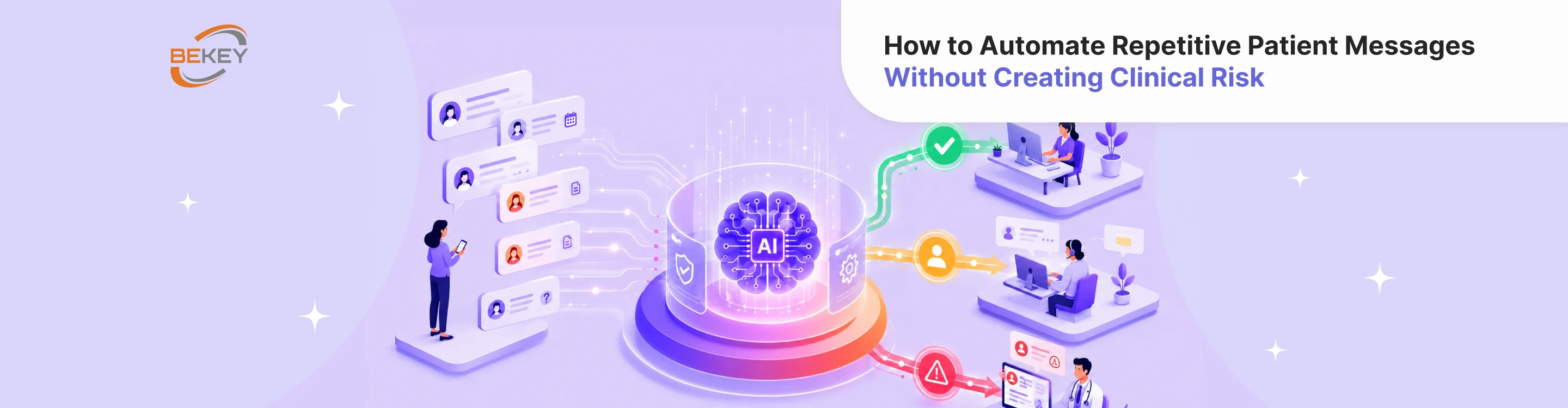
How to Automate Repetitive Patient Messages Without Creating Clinical Risk
- Why repetitive patient messages are a good starting point for automation
- The main risk: when a simple message becomes clinical
- What patient messages can usually be automated?
- What should stay out of automation?
- How to build a safer automation workflow
- Where AI can help without taking over
- Common mistakes to avoid
- Final thoughts
Patient communication can quickly become one of the most repetitive parts of healthcare operations. Support teams answer the same questions about appointments, onboarding, billing, account access, app navigation, document uploads, reminders, preparation steps, and follow-ups every day.
For support managers and operations leaders, this creates a familiar problem: patient messages keep growing, but the team’s capacity does not grow at the same pace. Agents spend too much time on routine replies, response times increase, and more complex cases wait longer than they should.
This is where healthcare message automation can help. With the right structure, AI and automation can reduce repetitive work, improve response speed, and make patient communication more consistent. But in healthcare, automation cannot be treated like ordinary customer support. A patient message may look simple at first and still contain clinical risk.
The goal is not to automate every conversation. The goal is to automate the right parts of patient communication while keeping medical judgment, urgent concerns, and sensitive cases under human control.
Why repetitive patient messages are a good starting point for automation
Many patient messages follow predictable patterns. A patient may ask how to reschedule an appointment, how to upload a document, how to reset a password, how to prepare for a virtual visit, or where to find payment information. These questions are important, but they usually do not require clinical decision-making.
When handled manually, these messages take up a large amount of support time. Each response may only take a few minutes, but across hundreds or thousands of tickets, the operational cost becomes significant. Repetitive messages also make it harder for support teams to focus on cases that require empathy, investigation, escalation, or coordination with clinical staff.
Patient communication AI can help by supporting the parts of messaging that are structured, low-risk, and based on approved information. It can classify incoming requests, suggest replies, answer common administrative questions, summarize long threads, and route sensitive messages to the right team.
Used carefully, automation does not remove the human layer. It gives support teams a better first layer.
The main risk: when a simple message becomes clinical
The challenge in healthcare is that patient messages do not always arrive in neat categories. A patient may start with an administrative question and add a symptom. A billing conversation may include distress. A product support message may reveal a medication concern. A simple follow-up may turn into a request for medical interpretation.
For example, these messages are not the same from an automation perspective:
“I need to reschedule my appointment.”
“I need to reschedule my appointment because I have chest pain today.”
The first message is likely administrative. The second one may require urgent escalation. If automation treats both messages as scheduling requests, the system creates risk.
This is why support managers need to think beyond message templates. To automate patient messages safely, the system must understand boundaries. It should know which messages can receive an automated response, which ones need human review, and which ones should be escalated immediately.
What patient messages can usually be automated?
The safest automation opportunities are usually low-risk, repetitive, and operational. These are messages where the answer can be based on approved content and does not require personal clinical judgment.
Examples include appointment logistics, password resets, account access, app navigation, document upload instructions, payment links, general onboarding steps, technical troubleshooting, reminder confirmations, and directions to existing resources.
For these categories, automation can help in several ways. It can send a direct response, suggest a reply for an agent to approve, collect missing information, or route the request to the right department.
The level of automation should depend on the risk level. A password reset can often be fully automated. A question about preparing for a procedure may need an approved template or human review, depending on the context. A symptom-related message should not be answered automatically as a routine support request.
What should stay out of automation?
Patient communication automation should not independently handle messages that require diagnosis, treatment recommendations, medication guidance, symptom assessment, lab result interpretation, or emergency decision-making.
These messages should trigger escalation instead of automated advice. The system can still help by identifying the topic, gathering basic context if approved, and sending the case to the right person. But it should not generate clinical answers on its own.
This is especially important for AI-generated responses. A patient communication AI system may produce language that sounds confident and helpful, even when the answer is not appropriate for that person’s situation. In healthcare, a polished but unsafe answer is worse than no automation at all.
A safe automation system should be designed to stop when the message crosses into clinical territory.
How to build a safer automation workflow
A practical automation workflow starts with message mapping. Before introducing AI, teams should review their recent patient messages and group them by type. Which topics appear most often? Which questions are repetitive? Which messages require clinical review? Which ones are urgent? Which ones create the most support delays?
From there, teams can create risk categories.
Low-risk messages can be automated with approved responses. Medium-risk messages can receive AI-assisted drafts or structured intake, but may still need human approval. High-risk messages should be routed to clinical staff or another qualified team. Emergency-risk messages should follow a predefined escalation protocol.
The next step is to define approved content. Automation should not generate answers from nowhere. It should rely on help center articles, internal policies, onboarding materials, patient instructions, and reviewed response templates. This helps keep communication consistent and reduces the chance of inaccurate replies.
Human-in-the-loop review is also important, especially at the beginning. Instead of letting AI send messages directly, support teams can use AI to draft responses. Agents review and approve them before sending. This improves speed while preserving accountability.
Finally, the system needs escalation rules. It should detect symptoms, medication questions, urgent language, emotional distress, complaints, privacy concerns, and uncertainty. When a message does not fit a safe automation category, the system should route it to a human rather than guessing.
Where AI can help without taking over
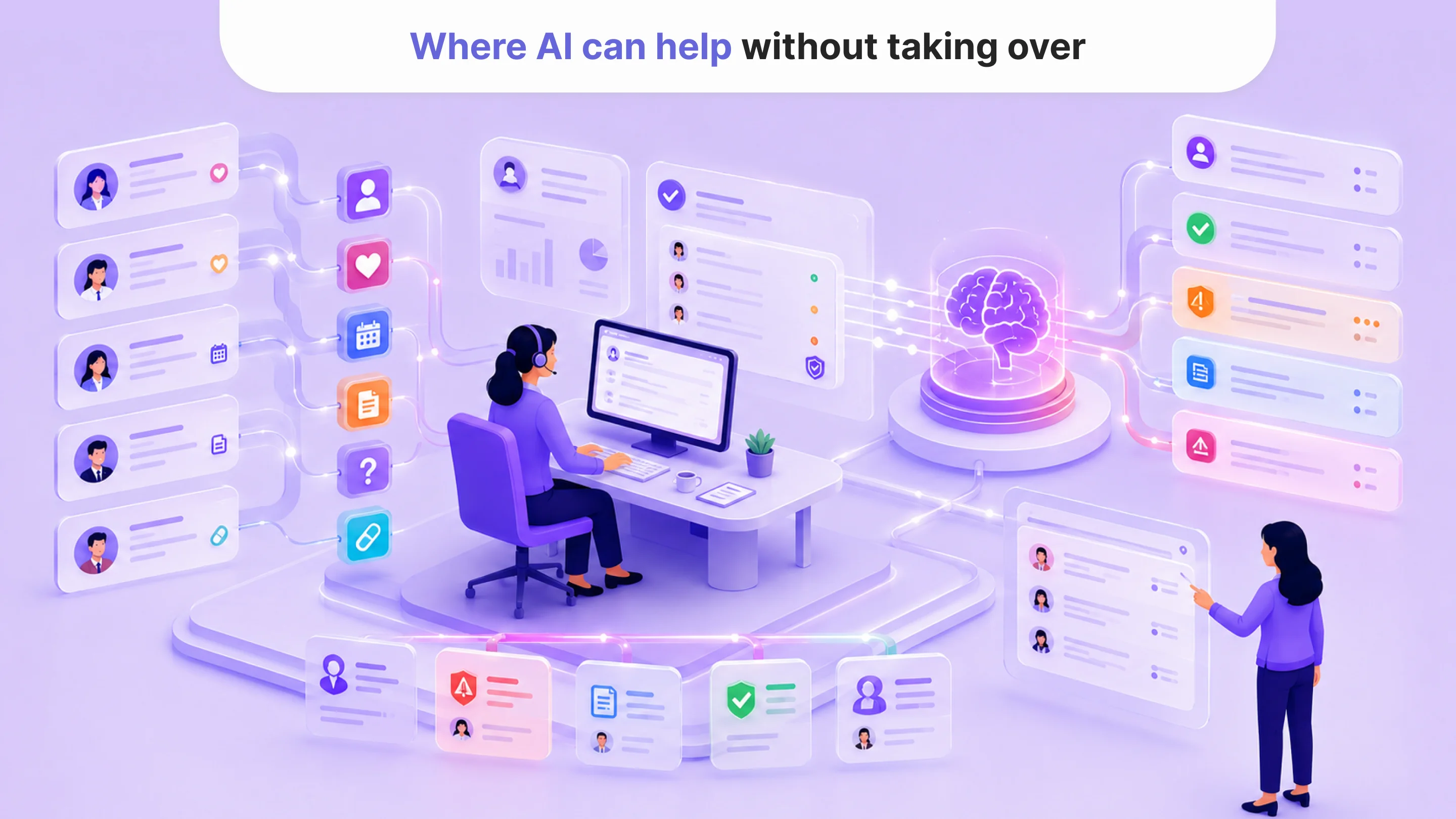
The best use of patient communication AI is often behind the scenes. It can help support teams work faster without fully automating sensitive conversations.
AI can classify messages by topic and urgency. It can summarize previous interactions before an agent replies. It can suggest responses based on approved templates. It can identify missing information and ask the patient to provide it. It can detect when a message should be escalated. It can also help managers understand which topics create the highest support volume.
This kind of healthcare message automation is valuable because it improves the workflow around communication. It does not try to replace clinical judgment or human empathy. It helps the right message reach the right person faster.
For operations leaders, this matters because automation should not only reduce ticket volume. It should also improve routing accuracy, reduce delays, and make the support process more predictable.
Common mistakes to avoid
One common mistake is automating based only on volume. High-volume messages may look like good automation candidates, but volume alone is not enough. Teams also need to consider risk. A common question about symptoms or medication may still need human review.
Another mistake is using generic AI without healthcare-specific guardrails. A general chatbot may be able to answer many questions, but healthcare support requires stricter boundaries, approved sources, escalation logic, and auditability.
Teams also make mistakes when they skip the knowledge base. If internal support content is outdated or inconsistent, automation will scale those problems. A clean, reviewed knowledge base is one of the foundations of safe patient message automation.
Finally, some teams measure success only by how many tickets are deflected. In healthcare, deflection is not always the right goal. Some messages should be escalated faster, not avoided. Better metrics include response time, resolution time, escalation accuracy, patient satisfaction, agent workload reduction, and the number of risky messages correctly routed to humans.
Final thoughts
To automate patient messages safely, healthcare teams need more than templates or a chatbot. They need a clear system for deciding what AI can answer, what it can assist with, and when it must step aside.
The safest automation strategy starts with boundaries. Low-risk messages can move faster. Medium-risk messages can be supported with review. High-risk messages should be escalated. Clinical judgment should stay with qualified professionals.
Healthcare message automation works best when it helps teams respond faster without pretending that every patient message is just another support ticket.
Authors

Tell us about your project
Fill out the form or contact us

Related posts
Tell us about your project