
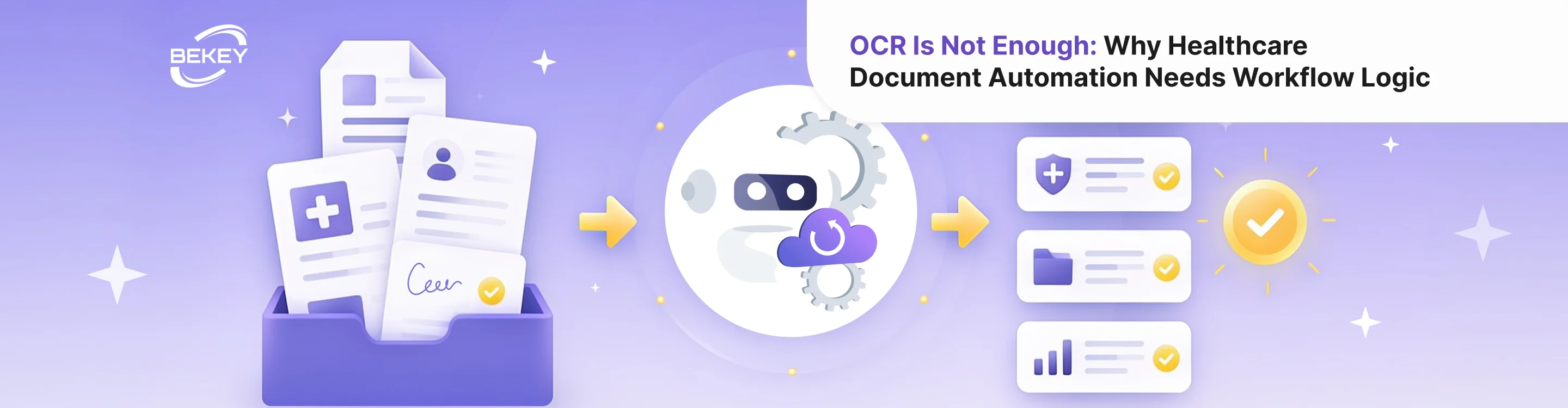
OCR Is Not Enough: Why Healthcare Document Automation Needs Workflow Logic
- What OCR can and cannot do
- Why healthcare documents need more context
- Where OCR-only workflows break down
- What workflow logic adds
- What AI document extraction adds beyond OCR
- What should stay human-reviewed
- How to know if your document workflow needs more than OCR
- What a better document automation workflow looks like
- From reading documents to moving work forward
OCR has been a useful step forward for healthcare teams that deal with large volumes of documents. It can turn scanned files, images, and PDFs into readable text. For organizations still handling referrals, insurance cards, consent forms, payer letters, lab reports, and claims attachments manually, that matters.
But OCR alone does not solve the real document problem in healthcare.
It can read a document, but it does not know what should happen next. It does not understand whether a referral is complete, whether a consent form is missing a signature, whether a payer letter requires follow-up, or whether a document should go to intake, billing, compliance, or clinical review.
That is why healthcare document automation needs more than text recognition. It needs workflow logic.
For CTOs and product managers, this distinction is important. If a product only extracts text from healthcare documents, staff may still need to manually interpret, validate, route, and act on the information. The result is not true automation. It is a slightly faster version of the same manual process.
What OCR can and cannot do
OCR healthcare documents workflows usually start with a simple goal: make paper or image-based information machine-readable. OCR can recognize text from scanned forms, PDFs, photos, and uploaded files. This is useful when teams need to digitize information that would otherwise require manual typing.
But OCR has clear limits.
OCR can identify text, but it does not always understand context. It may capture a name, date, policy number, diagnosis code, or signature field, but it does not know which of those details matter for the next step. It also does not reliably decide whether the document is complete, relevant, duplicate, outdated, or routed to the wrong workflow.
For example, OCR may extract text from a referral. But healthcare teams still need to know:
Is this actually a referral?
Which patient does it belong to?
Is the referring provider information present?
Is the requested service clear?
Are required attachments missing?
Does this need clinical review or scheduling?
What should happen if information is incomplete?
These are workflow questions, not OCR questions.
Why healthcare documents need more context
Healthcare documents are not just files. They are triggers for operational decisions.
An insurance card may determine whether scheduling can continue. A consent form may determine whether a service can proceed. A payer letter may trigger a claims follow-up task. A referral may require review before an appointment is booked. A lab report may need routing to the right care team.
The same document can mean different things depending on where it appears in the workflow. A missing insurance card during intake creates one type of task. A missing attachment in claims follow-up creates another. A consent form with incomplete information may require compliance review.
This is why document automation healthcare teams actually benefit from needs to connect document data to process logic. The system should not only ask, “What text is in this file?” It should ask, “What does this document mean for the next step?”
Where OCR-only workflows break down
OCR-only workflows often fail because they stop too early. They make the document searchable or extract raw text, but staff still need to do the rest.
Staff still classify documents manually
If the system extracts text but does not identify document type, staff still need to open each file and decide what it is. Is it a referral, insurance card, payer request, consent form, lab report, or intake questionnaire?
Without classification, teams cannot reliably route documents or apply the right validation rules.
Extracted data still needs interpretation
OCR may capture fields, but healthcare documents often contain unstructured or semi-structured information. Staff still need to decide which details matter, whether they are correct, and how they should be used.
For example, extracting a denial reason from a payer letter is helpful. But the workflow also needs to know whether the claim should be appealed, routed for documentation, or reviewed by a specialist.
Missing information is not always flagged
OCR can read what is present. It does not automatically know what is missing unless the workflow defines required fields and validation rules.
A document may be readable but incomplete. A form may have a blank signature field. A referral may lack supporting notes. A claims attachment may miss the requested document. Without workflow logic, these gaps may not be caught early.
Routing still depends on people
Even after text is extracted, someone must decide where the document goes. Intake? Billing? Compliance? Care coordination? Clinical review?
If routing remains manual, the workflow still depends on staff interpretation and availability. OCR may reduce typing, but it does not remove the bottleneck.
What workflow logic adds
Workflow logic turns document extraction into action. It defines how different document types should be handled, what information is required, which exceptions need review, and what should happen after data is extracted.
A stronger AI document extraction workflow can support several layers:
document classification;
key field extraction;
completeness checks;
confidence scoring;
duplicate detection;
routing rules;
human review triggers;
task creation;
system updates;
reporting on bottlenecks.
This is what makes document automation useful in healthcare operations. The system does not simply extract text. As part of broader healthcare AI automation solutions, it helps move work forward.
For example, if a patient uploads an insurance card, the workflow may classify the document, extract the member ID, check whether the image is readable, compare the data with the intake form, and route the case to scheduling or billing review.
If a payer letter arrives, the workflow may classify it as a documentation request, extract the deadline, identify the claim number, create a follow-up task, and flag it for the RCM team.
If a consent form is incomplete, the workflow may detect the missing signature and trigger a patient follow-up before the appointment.
What AI document extraction adds beyond OCR
AI document extraction can help healthcare teams process documents more intelligently than OCR alone. Instead of only reading text, AI can help identify structure, meaning, and relevance.
For example, AI can:
classify document types from messy uploads;
extract key fields from inconsistent formats;
summarize long documents for staff review;
identify missing or conflicting information;
detect unreadable or low-confidence sections;
connect document content to predefined next steps;
prepare structured data for downstream systems.
This is especially valuable when documents do not follow one fixed template. Healthcare teams often receive documents from different providers, payers, patients, partners, and systems. AI can help handle that variation more flexibly than rigid template-based extraction.
Still, AI should not become an unchecked decision layer. The best systems combine AI extraction with workflow rules and human review.
What should stay human-reviewed
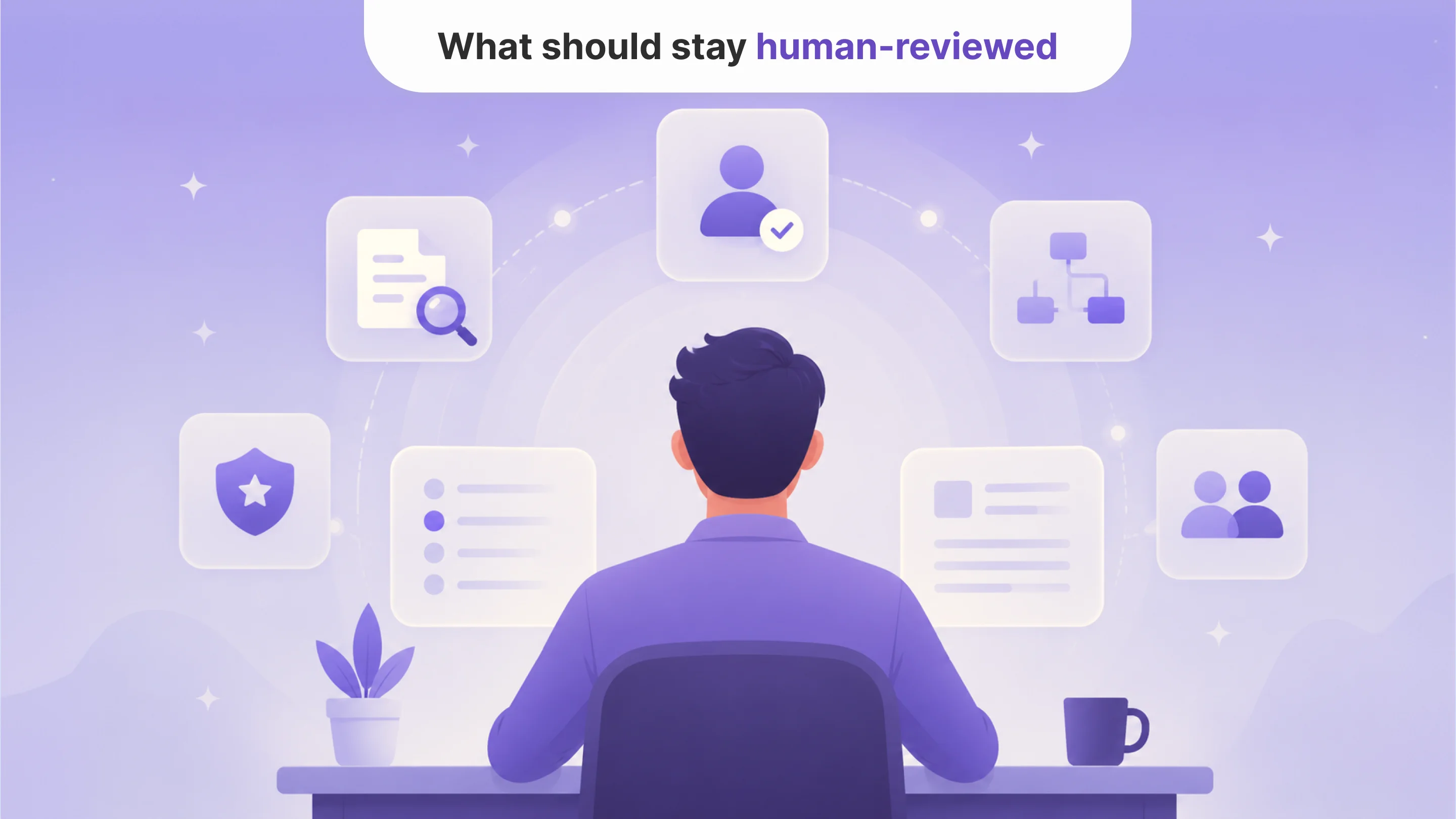
Healthcare documents can affect care, billing, compliance, and patient experience. That means some steps should remain human-led.
AI should not independently decide medical necessity, approve treatment, interpret clinical findings, make final billing decisions, or determine whether a compliance requirement is fully satisfied.
Instead, AI should prepare the work:
extract the relevant information;
flag uncertainty;
show the source document;
suggest the next step;
route sensitive cases to a human;
keep an audit trail of actions.
This keeps the system useful without removing accountability.
How to know if your document workflow needs more than OCR
Your healthcare document workflow may need AI automation with workflow logic if:
staff still open every document after OCR;
document types are inconsistent or hard to classify;
extracted text still needs heavy manual interpretation;
missing fields are discovered late;
documents are manually routed between teams;
staff copy extracted data into other systems;
document-related delays affect intake, claims, referrals, or compliance;
managers cannot see which document types cause the most bottlenecks.
These signs show that the problem is not only reading documents. The problem is converting documents into usable workflow data.
What a better document automation workflow looks like
A practical workflow should connect document intake to action.
It may look like this:
A document enters the system through upload, email, portal, or integration.
AI classifies the document type.
The system extracts key fields.
Workflow rules check whether required information is present.
Low-confidence or sensitive cases are routed to human review.
Approved data moves into the right system or task queue.
The next action is triggered: follow-up, scheduling, claims review, compliance check, or internal routing.
Managers track exception rates, delays, and document bottlenecks.
This is the difference between OCR and healthcare document automation. OCR reads. Workflow logic helps the organization act.
From reading documents to moving work forward
OCR is useful, but it is only the first step. Healthcare teams do not need documents to be readable only. They need documents to become actionable.
A scanned referral should not just become text. It should become a routed case. A payer letter should not just become searchable. It should become a follow-up task. A consent form should not just be stored. It should trigger a review if something is missing.
That is why healthcare document automation needs workflow logic. The real value comes when AI helps teams understand what a document is, what information matters, what is missing, and what should happen next.
For CTOs and product managers, the better question is not “Can OCR read this file?” It is: “Can our system turn this document into the right next action?”
That is where AI document automation becomes operationally valuable.

Tell us about your project
Fill out the form or contact us

Tell us about your project
Thank you
Your submission is received and we will contact you soon
Follow us