

Stop Automating Broken Processes: A Checklist for AI Buyers
- Why automating broken processes creates more problems
- Workflow automation checklist for AI buyers
- 2. Is there a clear owner?
- 3. Are the rules consistent?
- 4. Is the data usable?
- 5. Does the AI output connect to a real action?
- 6. Have you defined human review?
- 7. Are exceptions part of the design?
- 8. Can success be measured?
- 9. Would a simpler fix work first?
- 10. Is this project tied to business value?
- Red flags before starting an AI automation project
- What to do before buying or building AI
- From automation pressure to workflow clarity
AI process automation can save time, reduce manual work, and help teams scale operations. But it can also make a bad process more expensive, harder to manage, and more difficult to fix later.
This usually happens when companies automate before they understand the workflow.
A founder may want to reduce operational load. A COO may want to move teams away from spreadsheets. A product leader may want to add AI into a customer-facing or internal workflow. The goal is reasonable. But if the process is unclear, inconsistent, poorly owned, or full of manual workarounds, AI will not solve the root problem.
It will only automate parts of the mess.
Before starting the next AI automation project, buyers should ask a simple question: are we automating a process that is actually ready to improve, or are we just making a broken process move faster?
Why automating broken processes creates more problems
A broken process is not always obvious. It may still “work” because experienced people hold it together manually.
Staff knows which spreadsheet to check. Someone remembers which cases need follow-up. A manager knows which messages require escalation. A product team understands which edge cases the system does not handle. Operations rely on informal knowledge that is never fully documented.
When AI is added to this kind of process, the gaps become more visible.
AI may summarize information, but no one knows who should act on it. It may classify requests, but there are no routing rules. It may draft messages, but approval rules are unclear. It may extract data, but the destination system is not defined.
This is one of the most common AI process automation mistakes: treating AI as a fix for workflow confusion.
AI can support a clear workflow. It cannot create clarity by itself.
Workflow automation checklist for AI buyers
Before investing in AI automation, founders, COOs, and product leaders should check whether the workflow is ready.
1. Can your team explain the process end to end?
A workflow is not ready for automation if only one or two people understand how it actually works.
Before choosing a tool or vendor, map the full process:
where the workflow starts;
who touches it;
which systems are used;
what information is required;
where delays happen;
where exceptions appear;
what the outcome should be.
If the team cannot explain the process clearly, AI implementation will likely expose more confusion than value.
2. Is there a clear owner?
Every automated workflow needs ownership.
Someone should be responsible for reviewing outputs, managing exceptions, approving changes, and deciding whether the workflow is improving.
Without ownership, AI-generated work can sit in queues, create uncertainty, or become another thing teams have to monitor manually.
A good question to ask is: if the AI system flags a problem, who owns the next step?
3. Are the rules consistent?
AI automation works better when the workflow has clear logic.
If different team members handle the same task in different ways, automation becomes difficult. The AI may learn one version of the process while staff expect another.
Before automation, teams should define:
what counts as a standard case;
what counts as an exception;
which cases need escalation;
which outputs require review;
which actions can happen automatically;
which actions must stay human-led.
If the rules are not consistent, the project may need workflow redesign before automation.
4. Is the data usable?
AI depends on the information it can access.
If data is incomplete, scattered, outdated, duplicated, or stored across disconnected tools, the automation may produce weak or unreliable outputs.
Before starting development, check:
where the data lives;
whether it is structured or unstructured;
whether it is complete enough;
who can access it;
whether sensitive data needs restrictions;
which systems need to receive the output.
For companies exploring broader AI workflow automation solutions, data readiness is often just as important as model selection.
5. Does the AI output connect to a real action?
AI should not only generate something. It should help the workflow move forward.
A summary should support review. A classification should trigger routing. A draft should go into an approval flow. An extracted field should update a system. A flagged issue should create ownership.
If the AI output does not connect to a next action, the team may still need to manually translate it into work. That is not automation, but an AI-assisted busywork.
6. Have you defined human review?
Human review should not be added after launch. It should be designed into the workflow from the beginning.
This is especially important in healthcare, legal, insurance, fintech, HR, and other regulated or sensitive operations.
Teams should decide:
what AI can do independently;
what AI can suggest;
what requires approval;
what should be escalated;
what AI should never handle alone.
A safe automation workflow keeps people responsible for sensitive decisions while using AI to prepare, organize, and speed up the work around them.
7. Are exceptions part of the design?
Most workflows look simple until exceptions appear.
A document is incomplete. A customer message includes sensitive information. A case does not match the standard path. A user submits conflicting details. A request needs escalation.
If exceptions are not part of the automation design, staff will create side processes around the AI system. Over time, these workarounds become the real workflow.
AI buyers should ask vendors or internal teams how the system handles low-confidence outputs, missing data, unusual cases, and escalation.
8. Can success be measured?
An AI automation project should have a measurable goal before development starts.
Depending on the workflow, success may mean:
less manual review time;
faster routing;
fewer missed follow-ups;
lower backlog;
fewer repeated questions;
faster document processing;
better completion rates;
clearer workflow visibility.
If the team cannot measure the before-and-after difference, it will be hard to prove whether AI created value.
A good automation project should improve something specific, not just make the company feel more innovative.
9. Would a simpler fix work first?
Not every workflow problem needs AI.
Sometimes the better first step is a clearer form, a better status page, a template, a basic integration, a rule-based automation, or a redesigned handoff.
For example, if customers keep asking what happens next, the product may need clearer communication before it needs an AI assistant. If teams copy data between tools, an integration may matter more than AI. If approvals are delayed, the issue may be ownership, not intelligence.
AI is valuable when the workflow involves context, language, variation, summarization, classification, or decision support. It should not be used as a more expensive replacement for basic process design.
10. Is this project tied to business value?
AI automation should connect to a real business or product outcome.
For founders, that may be faster scaling without increasing headcount at the same rate. For COOs, it may be fewer manual bottlenecks. For product leaders, it may be better user activation, retention, or service quality.
If the project is not tied to a clear outcome, it can become a side experiment instead of an operational improvement.
The best AI projects are not the ones that sound most advanced. They are the ones that solve expensive, repeated, measurable problems.
Red flags before starting an AI automation project
Your process may not be ready for AI automation if:
no one owns the workflow;
the process is different depending on who handles it;
important steps happen in spreadsheets or side messages;
exceptions are not documented;
the next step after AI output is unclear;
human review is not defined;
required data is scattered or unreliable;
success metrics are missing;
the project is driven by pressure to “add AI” rather than a real workflow problem.
These red flags do not mean AI should never be used. They mean the workflow needs cleanup before automation.
What to do before buying or building AI
Before investing in an AI tool, vendor, or custom development, teams should complete a workflow review.
Start by mapping the current process and identifying the real bottleneck. Then define the AI role: summarize, classify, route, draft, extract, flag, search, or report. After that, design human review, escalation, system integration, and success metrics.
This turns AI buying from a technology decision into an operational decision.
Instead of asking vendors, “Can your AI automate this?” buyers should ask:
What part of the workflow will AI support?
What happens after AI produces an output?
How are exceptions handled?
How does human review work?
What systems does this connect to?
How will we measure improvement?
What should not be automated?
These questions make it easier to avoid buying a tool that looks impressive but does not fit the workflow.
From automation pressure to workflow clarity
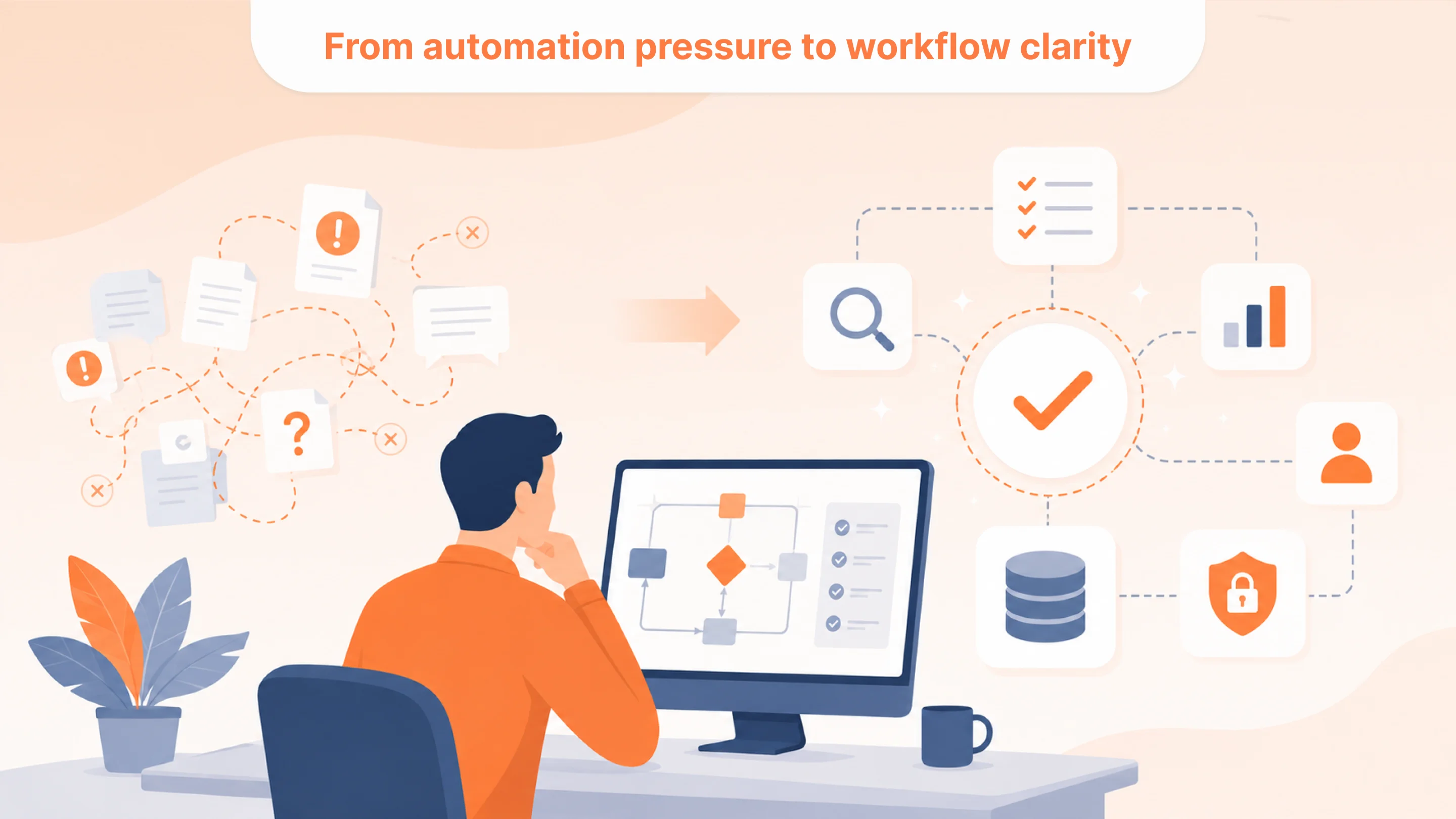
AI automation can be valuable, but only when the process is ready for it.
Automating broken processes usually leads to more confusion, more workarounds, and more difficulty proving ROI. The problem is not AI itself. The problem is using AI before the workflow has clear rules, ownership, data, review, and measurable goals.
For founders, COOs, and product leaders, the smartest first move is not choosing an AI tool. It is understanding whether the workflow is ready to be automated.
AI should make a good process faster and more scalable. It should not be used to hide a broken one.
Faq
What does automating broken processes mean?
+Automating broken processes means adding automation to workflows that are unclear, inconsistent, poorly owned, or full of manual workarounds. Instead of solving the root problem, automation can make the process more confusing or harder to manage.
Why do AI process automation projects fail?
+AI process automation projects often fail when teams skip workflow mapping, lack clear ownership, use poor data, ignore exceptions, or do not define what should happen after AI produces an output.
How do I know if my workflow is ready for AI automation?
+A workflow may be ready if it is repetitive, clearly owned, measurable, supported by usable data, and has defined rules for review, escalation, and next actions.
What should AI buyers check before choosing a tool?
+AI buyers should check the workflow, data sources, ownership, human review process, integration needs, exception handling, and success metrics before choosing a tool or vendor.
Can AI fix a broken workflow?
+AI can support workflow improvement, but it cannot fix unclear ownership, inconsistent rules, poor data, or missing process logic by itself. These issues need redesign before automation.
What is a good first AI automation project?
+A good first project solves a repeated, measurable workflow problem with a clear user, clear output, manageable risk, and defined human review. Examples include intake triage, document processing, support request routing, follow-up tracking, and internal knowledge search.

Tell us about your project
Fill out the form or contact us

Tell us about your project
Thank you
Your submission is received and we will contact you soon
Follow us