

The “Almost Right” AI Tool Problem in Healthcare
Many healthcare companies do not struggle because they chose a bad AI tool. They struggle because they chose an almost right tool.
It solves part of the workflow. It automates a few repetitive steps. It gives the team a useful dashboard, summary, chatbot, form processor, or assistant. For a while, the tool looks like progress. But then the gaps appear.
The tool covers 70% of the workflow, while the remaining 30% still depends on manual work, spreadsheets, workarounds, extra messages, duplicate data entry, and staff memory. The team still has to move information between systems. Sensitive cases still need manual triage. Exceptions still live outside the tool. Managers still cannot see the full workflow.
This is the “almost right” AI tool problem in healthcare.
For founders and operations leads, this matters because healthcare AI tool limitations are not always obvious during a demo. They usually show up later, when the tool meets real workflows, real data, real exceptions, and real operational pressure.
Why “almost right” tools create hidden work
A healthcare SaaS tool may look strong when it handles a clean use case. But healthcare workflows rarely stay clean.
A patient intake tool may collect forms but not connect well to scheduling or care coordination. A document AI tool may extract information but not route exceptions. A support assistant may answer basic questions but fail when a message includes clinical or billing context. A care coordination platform may track tasks but not summarize what happened across documents, notes, and messages.
The result is not full automation. It is partial automation surrounded by manual work.
Staff still need to:
check what the tool missed;
copy data into another system;
interpret edge cases;
create follow-up tasks manually;
route exceptions to the right team;
maintain spreadsheets outside the platform;
explain context that the tool cannot see.
This hidden work is easy to ignore at first, but it becomes expensive as volume grows.
Common healthcare AI tool limitations
The tool does not match the real workflow
Many tools are built around a general process, but healthcare teams often have workflow-specific rules.
Your team may need different routing for different patient types, locations, payers, programs, documents, urgency levels, or care pathways. If the tool cannot reflect that logic, staff have to create manual workarounds.
This is one of the clearest signs that the tool is useful, but not enough.
The tool does not integrate with key systems
A tool may work well inside its own interface but still fail to connect with the systems where work actually happens.
If staff need to move data between an EHR, CRM, billing platform, scheduling tool, support inbox, document storage, or internal dashboard, the AI tool becomes one more place to check.
This is where custom AI integration healthcare teams need can make the difference between “helpful feature” and actual workflow improvement.
The tool handles standard cases but not exceptions
Healthcare workflows are full of exceptions: incomplete documents, unclear messages, missing consent, urgent language, payer-specific requirements, duplicate records, or cases that need human review.
An almost-right tool may handle standard cases well but leave exceptions to staff. That may be acceptable at low volume, but it becomes a bottleneck when exceptions are frequent.
The tool creates outputs but not actions
Some AI tools summarize, extract, or classify information, but they do not trigger the next step.
A summary is useful, but someone still needs to create a task. Extracted data is useful, but someone still needs to update the system. A classification is useful, but someone still needs to route the case.
If AI output does not connect to action, the workflow remains manual.
The tool cannot support the right review process
In healthcare, human review is not optional for many workflows. Teams need rules for what AI can do, what it can suggest, what must be approved, and what should be escalated.
If a tool cannot support review queues, role-based access, escalation rules, or audit trails, teams may need to manage safety outside the platform.
That creates risk and extra work.
The 70% automation trap
The biggest problem with an almost-right AI tool is that it can look successful while still leaving the hardest work untouched.
If a tool automates 70% of a workflow, the team may initially feel improvement. But the remaining 30% often includes the most complex, sensitive, or time-consuming cases.
Those cases still need experienced staff. They still delay the process. They still require context from several systems. They still create operational risk.
This is why healthcare SaaS limitations are not only technical. They are workflow limitations.
A tool may be good at what it was designed to do. But if the real workflow needs integration, custom logic, human review, and exception handling, the tool may never fully solve the problem on its own.
Integration, customization, or replacement?
When a healthcare AI tool is almost right, the answer is not always to replace it.
Sometimes the tool is strong, but it needs integration. Sometimes it needs customization around workflows, data, permissions, or routing. Sometimes it is the wrong fit and should be replaced before the team builds more workarounds around it.
When integration may be enough
Integration may be the right answer when the tool works well but sits too separately from the rest of the workflow.
For example, it may need to send extracted data into a CRM, create tasks in an internal system, pull context from an EHR, or sync status updates with a dashboard.
In this case, the problem is not the tool itself. The problem is that it is disconnected.
When customization may be needed
Customization may be needed when the tool supports the general use case but cannot match how your team actually works.
This may include custom routing logic, review rules, document types, role-based workflows, approved templates, escalation paths, or reporting needs.
In this case, the goal is to close the gap between the tool’s standard workflow and your operational reality.
When replacement may make sense
Replacement may be the better option when the tool cannot support essential workflows, does not integrate well, creates too many manual workarounds, or introduces risk the team cannot manage.
A tool that looked affordable at first can become expensive if staff spend hours every week compensating for its limitations.
How to evaluate an almost-right AI tool
Before deciding what to do, founders and operations leads should map the full workflow around the tool.
Useful questions include:
Which parts of the workflow does the tool handle well?
Which steps still happen manually?
Where do staff still copy or re-enter data?
Which exceptions fall outside the tool?
What systems does the tool need to connect with?
What review or escalation rules are missing?
Where do managers still lack visibility?
What workarounds have become “normal”?
Is the remaining manual work low-risk or mission-critical?
Would integration, customization, or replacement solve the gap?
This helps teams avoid a common mistake: judging the tool only by its feature list instead of its fit with the real workflow.
Signs your AI tool is almost right
Your AI tool may need another look if:
staff still keep spreadsheets outside the platform;
the tool works for standard cases but not exceptions;
teams still copy data into other systems;
managers cannot see where work gets stuck;
staff rely on side notes, Slack, or email to complete the workflow;
human review happens outside the tool;
the tool creates outputs but not next actions;
the team says, “It works, but only if we also…”
That last phrase is often the clearest warning sign.
If a tool only works when staff builds a second workflow around it, the tool may not be solving the real problem.
From tool adoption to workflow fit
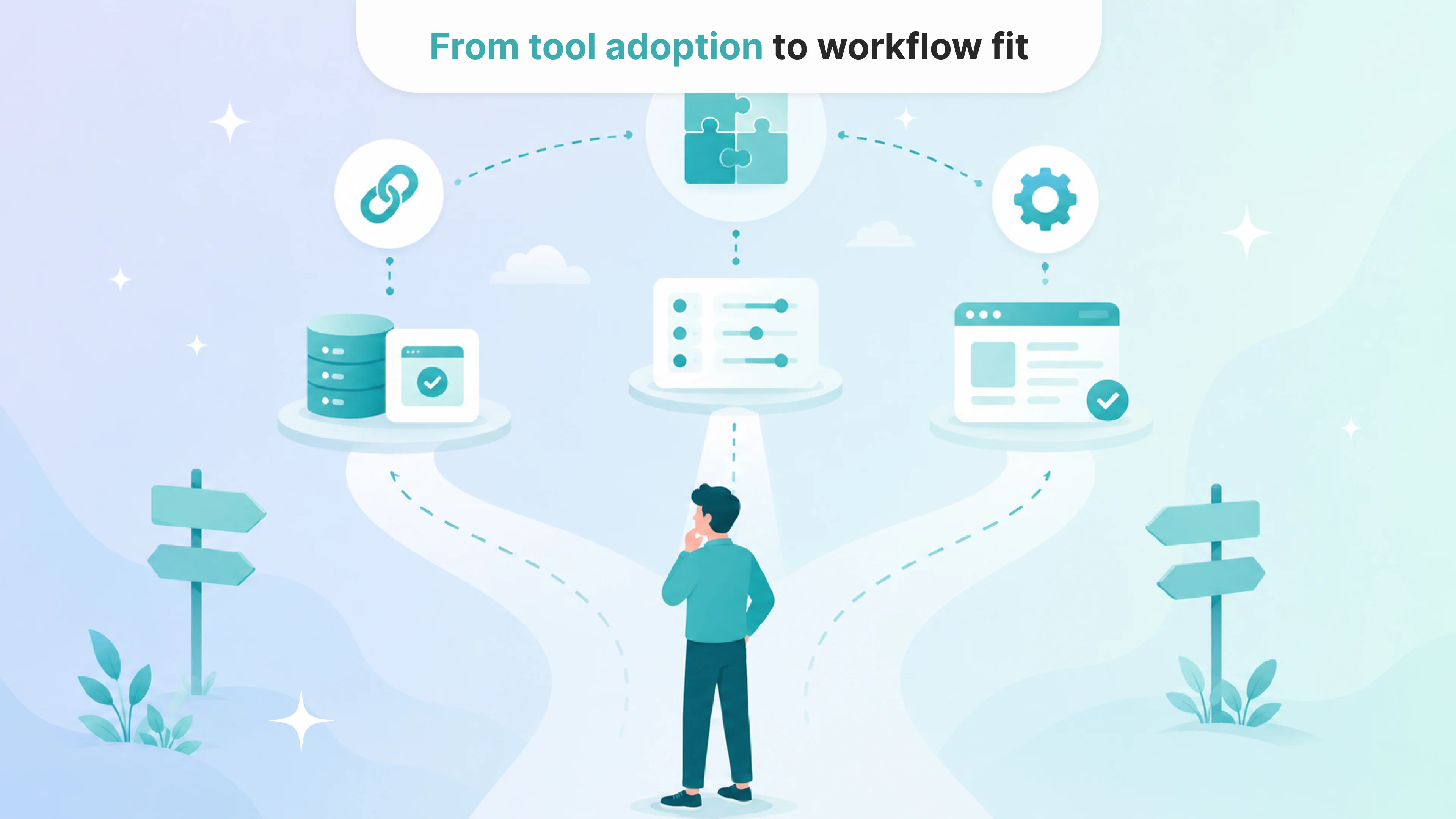
Adopting an AI tool is not the same as improving a healthcare workflow.
A tool can be useful, well-designed, and still not fit the full operational reality of a healthcare company. That does not mean the tool was a mistake. It means the team needs to understand what is missing.
Sometimes the next step is integration. Sometimes it is customization. Sometimes it is replacing the tool with a solution designed around the workflow from the start.
For healthcare founders and operations leads, the question is not only “Does this AI tool work?” It is: “Does it work inside our real workflow, with our systems, our exceptions, our review rules, and our operational goals?”
That is where the real value is decided.
Faq
What are common healthcare AI tool limitations?
+Common limitations include poor integration with existing systems, limited customization, weak exception handling, unclear review processes, lack of role-based access, and outputs that do not trigger real workflow actions.
What does an “almost right” AI tool mean?
+An almost-right AI tool is a tool that solves part of the workflow but leaves important steps manual. It may handle standard cases but fail with exceptions, integrations, routing, review, or reporting.
Should we replace an AI tool that does not fit perfectly?
+Not always. Some tools can become much more useful with better integration or customization. Replacement makes sense when the tool cannot support essential workflows or creates too many workarounds.
How do we know whether we need AI integration or customization?
+If the tool works but does not connect to your systems, integration may be enough. If it connects but does not match your workflow rules, customization may be needed. If it cannot support the core workflow at all, replacement may be better.
Why do healthcare SaaS tools often leave manual work behind?
+Healthcare workflows are complex and often involve sensitive data, multiple systems, exceptions, human review, and organization-specific rules. Generic SaaS tools may not be designed for all of that complexity.
How can healthcare teams avoid the almost-right tool problem?
+Teams should map the full workflow before choosing a tool, define required integrations and review rules, test exception cases, and evaluate whether the tool supports the next action, not just the first task.

Tell us about your project
Fill out the form or contact us

Tell us about your project
Thank you
Your submission is received and we will contact you soon
Follow us