

Audit Trails, Escalations, and Permissions: The Boring Parts That Make AI Work
- A working AI model is not the same as a working process
- AI audit trails: knowing what actually happened
- Escalation rules matter more than perfect-looking outputs
- Permissions: what AI can access and what it can change
- The real cost of missing controls appears after deployment
- What to check before putting AI into production
- The unexciting work that makes automation useful
Nobody gets particularly excited about audit logs, approval queues, or access permissions when discussing a new AI project. The conversation usually starts somewhere else: how many hours the system could save, how quickly it can process documents, or whether it can handle work that currently requires several employees.
Those are reasonable things to care about. But once an AI system moves beyond a demonstration and starts handling real operational tasks, the less interesting questions become much harder to ignore.
What happens when AI produces the wrong result? Who can correct it? Can the system access information it was never supposed to see? If an employee questions an automated action three weeks later, will anyone be able to reconstruct what happened?
For healthcare, insurance, fintech, and other compliance-heavy teams, these questions determine whether AI can become part of daily operations. A model may perform impressively during testing, but that alone does not make it reliable enough to connect to business-critical workflows.
The infrastructure around the model matters just as much as the model itself. AI audit trails, escalation rules, and permissions may not be the most exciting part of an automation project, but they are often what separates a useful operational system from an experiment that never makes it into production.
A working AI model is not the same as a working process
Consider an insurance operations team using AI to review incoming claims documentation. The model extracts relevant fields, identifies missing information, and prepares cases for further processing.
During a pilot, the results look promising. Employees no longer need to read every attachment from beginning to end, and routine cases move through the initial processing stage more quickly.
Then an unusual case appears. Two documents contain conflicting information, but the system selects one value and passes it along. The next team assumes the information has already been verified. By the time someone notices the discrepancy, the case has moved through several steps.
The failure here is not necessarily that the AI made a mistake. Any document-processing system can encounter incomplete or inconsistent information. The more important question is why the workflow allowed an uncertain result to proceed without appropriate review.
A similar problem can occur when AI drafts patient communications, classifies sensitive requests, updates records, or prepares compliance documentation. Producing an output is only one step. The system also needs rules governing what can happen with that output.
A functional production workflow should establish which actions are permitted, what conditions require human intervention, and what information needs to be recorded along the way.
Without those controls, companies may simply exchange one kind of manual work for another: employees spend less time preparing information but more time investigating errors, double-checking outputs, and correcting problems across disconnected systems.
AI audit trails: knowing what actually happened
Traditional business software often records basic events such as logins, updates, approvals, and status changes. AI workflows may need additional context because the system's behavior can depend on the documents it receives, the instructions it follows, and the processing configuration in use.
An effective AI audit trail should help an authorized reviewer reconstruct the relevant parts of a case without piecing together information from several disconnected systems.
For an AI-assisted document workflow, that might include the source document reference, when processing occurred, what information was extracted, whether validation checks passed, and what happened next. If an employee corrected the result or approved an exception, that action may also need to be recorded.
Model versions and workflow configuration changes can matter too. If a team updates extraction instructions or modifies processing rules, those changes may help explain why similar cases produced different outcomes.
The point is not to record every possible detail. Excessive logging can create additional privacy, security, storage, and retention problems, particularly when sensitive health or financial information is involved.
Instead, teams should decide which records are necessary for investigating failures, reviewing automated actions, and meeting applicable compliance obligations. Logs should be accessible to authorized personnel, protected against unauthorized modification, and retained according to the relevant requirements.
A company may have extensive technical logs and still struggle to explain what happened to an individual case. Useful auditability depends on whether those records can be connected to the actual workflow.
This is one of the central principles of auditable AI automation: the system should preserve enough evidence for people to understand and verify important actions after they occur.
Escalation rules matter more than perfect-looking outputs
AI systems encounter exceptions. Documents arrive with missing pages, records contain contradictory information, requests fall outside expected categories, and users ask questions the system was not designed to handle.
A workflow that assumes every case will follow the standard path is likely to create problems once it reaches production.
AI escalation rules define what should happen when a case cannot safely proceed through the automated process.
Imagine an AI system helping a healthcare administrative team classify incoming requests. Routine scheduling questions may be directed to an appropriate administrative queue. A message containing a possible clinical concern, however, should follow a different, appropriately reviewed path rather than being treated as an ordinary appointment request.
Insurance operations face comparable situations. If an extracted field conflicts with information already stored in a claim record, the system should not silently choose one version. It may need to flag the discrepancy and assign the case to a reviewer.
The challenge is making escalation practical for employees. Sending every uncertain result into a shared inbox is not much better than leaving the entire process manual.
A useful escalation process identifies who owns the case, what triggered the exception, which source information needs attention, and what the reviewer can do next. Employees should be able to correct, reject, approve, or escalate the output without manually rebuilding the case history.
Escalation thresholds also need testing. If too many routine cases are flagged, review queues can become overloaded. If the system sends too few cases for review, genuine problems may pass unnoticed.
That balance should be evaluated using real workflow data rather than assumptions made during an initial demonstration.
Permissions: what AI can access and what it can change
One of the easiest mistakes in AI implementation is giving an automated system broader access than its task requires.
An AI assistant might need to read a specific set of documents, summarize information, or prepare a draft update. None of those responsibilities automatically requires permission to change finalized records, approve payments, or retrieve unrelated sensitive information.
This distinction becomes especially important when AI is integrated with EHRs, CRMs, billing systems, document repositories, or internal databases.
AI permissions should define both what the system can access and which actions it can perform. Reading an existing record, preparing a proposed change, and committing that change are different levels of authority.
A healthcare document-processing assistant, for example, may be authorized to retrieve administrative files associated with an assigned case and prepare extracted information for review. Updating the official record could require a separate validated workflow or employee approval.
For compliance-heavy organizations, permissions also need to account for service accounts, connected applications, and changes in employee responsibilities. A system should not retain unnecessary access simply because that access was convenient during development.
Technical restrictions are only part of the solution. Teams need clear ownership of who approves access, how permissions are reviewed, and what happens when a workflow or integration changes.
If those responsibilities are left undefined, AI can create new access risks even when the model itself performs accurately.
The real cost of missing controls appears after deployment
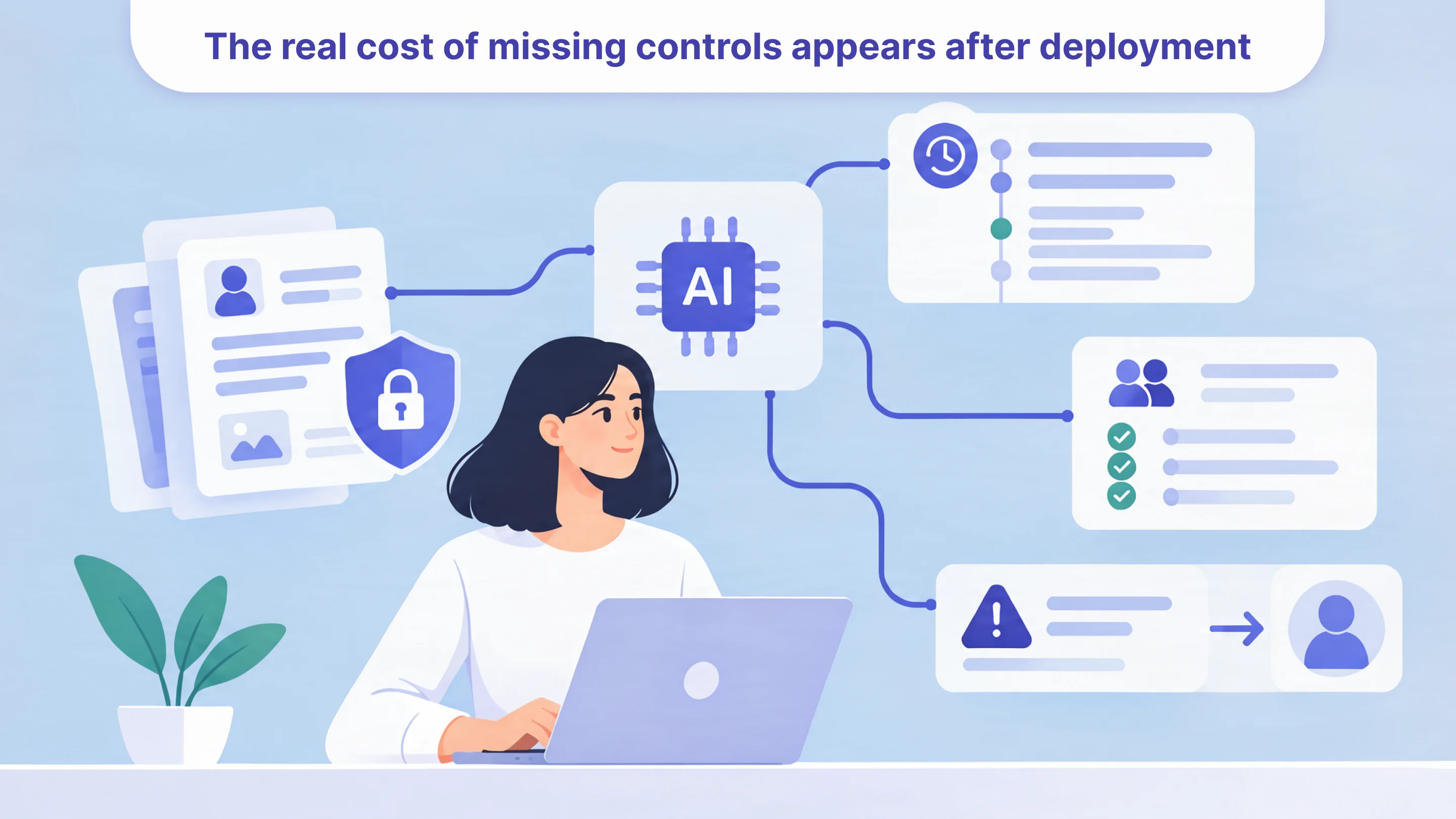
Audit logging, escalation design, and permission management all require implementation effort. Under budget pressure, teams may be tempted to postpone them until the automation has demonstrated its value. That can become expensive.
Imagine a team that launches AI-assisted document processing without a clear exception queue. During the first weeks, employees handle unusual cases informally through messages and spreadsheets. As volume grows, nobody has a reliable overview of unresolved exceptions or how individual corrections were handled.
Fixing the problem may now require changes to integrations, user interfaces, case-management logic, and the records captured by the system. The team may also need to review cases processed before the controls were introduced.
A similar issue arises when permissions are designed too broadly. Restricting access later may affect existing integrations and require changes to the workflow itself.
Controls are easier to design when they are treated as part of the process from the beginning. They also help teams make more realistic decisions about AI automation ROI, since human review, monitoring, and exception handling are part of the operating cost.
For companies implementing AI across existing business systems, AI automation services can help define these requirements alongside workflow design, integration planning, and production implementation.
What to check before putting AI into production
Before an AI workflow starts handling live operational data, operations and technical leaders should be able to explain more than what the model produces.
They should understand which systems it can access, which actions it can complete independently, what triggers human review, and how employees investigate unexpected results. Compliance teams should also know which records are retained and whether those records support the organization's actual oversight requirements.
A practical AI Workflow Controls Checklist can help teams evaluate these areas before implementation.
The review should cover five questions:
Access: Does the AI have only the data and permissions required for its assigned tasks?
Logging: Can authorized reviewers reconstruct significant workflow events, corrections, and approvals?
Escalation: Are missing information, conflicting records, and other exceptions routed to the right people?
Human review: Can employees inspect sources, correct results, and stop inappropriate actions?
Monitoring: Is someone responsible for tracking recurring errors, review workload, and changes in workflow performance?
The answers may reveal technical gaps, unclear ownership, or processes that need to be redesigned before automation makes sense.
They can also prevent teams from adding unnecessary controls. A simple administrative classification task may need different safeguards from a system that can change sensitive records or initiate consequential actions.
What matters is that the controls match the actual risks and responsibilities of the workflow.
The unexciting work that makes automation useful
The most visible part of an AI system is usually its output. It can classify documents, summarize information, draft messages, or prepare records in seconds. Those capabilities are easy to demonstrate and often form the basis of early business cases.
What makes the system sustainable is less visible.
An operations team needs to know who can act on an output. Compliance needs access to relevant evidence. Employees need a workable way to handle exceptions. Technical teams need to understand how the workflow behaves when inputs change or something fails. These requirements can sound like administrative overhead until they are missing.
For COOs, CTOs, and compliance leaders, designing AI audit trails, escalation rules, and permissions early is a practical way to prevent automation from creating problems that employees will later have to manage manually.
AI becomes useful in real operations when teams can do more than receive its outputs. They need to understand what happened, intervene when necessary, and maintain control over the actions that follow.

Tell us about your project
Fill out the form or contact us

Tell us about your project
Thank you
Your submission is received and we will contact you soon
Follow us