

Why the Cheapest AI Tool Can Become the Most Expensive Choice
- The subscription price is only the visible cost
- Manual workarounds are easy to miss
- Integration costs can change the whole equation
- Lack of customization can become expensive later
- Review, compliance, and governance are not extras
- Tool sprawl creates its own cost
- Migration and retraining costs are often ignored
- How to evaluate the real cost of an AI tool
- When the cheapest tool is still the right choice
- The real cost is the workflow it leaves behind
A cheap AI tool is easy to approve. The monthly price looks harmless, setup seems simple, and the vendor promises quick wins. A team can start testing without waiting for a large budget cycle or a long implementation project. For founders, COOs, finance leaders, and product leaders, this can feel like the safest way to bring AI into the company without overcommitting.
Low-cost AI tools can be useful for experiments, early learning, simple productivity tasks, and narrow workflows. The risk appears when a cheap tool starts being treated as a long-term automation solution before anyone has looked at the full cost around it.
The real question is not only how much the tool costs. It is what the tool will cost once people, systems, data, review, compliance, and future scaling are included.
A tool may be inexpensive on paper but expensive in practice if it leaves teams with manual workarounds, disconnected workflows, duplicate systems, unclear review steps, weak governance, and no realistic path to scale. These are the AI tool's hidden costs that often appear after the first pilot looks successful.
Tool selection should therefore be part of broader AI automation budget planning, not a separate decision based only on subscription price.
The subscription price is only the visible cost
AI SaaS costs are usually the easiest part to see. A vendor page may show a simple monthly fee, a per-seat price, or a usage-based plan. Compared to a custom project or a full workflow redesign, the tool can look like the obvious choice.
The subscription, however, is only one part of the cost. A company may still need to prepare data, configure workflows, train users, set permissions, connect the tool to existing systems, create review rules, monitor outputs, and manage exceptions. If the tool does not fit the workflow well, staff may spend time compensating for its limitations.
That time rarely appears in the software price.
A document summarization tool is a simple example. It may look affordable at first, but if staff still need to upload files manually, check every output, copy summaries into another system, correct missing details, and track review status in a spreadsheet, the workflow may not become cheaper. The company has paid for the tool, while much of the manual work remains in place.
Finance and operations teams should look at total workflow cost, not only tool cost. A low subscription price can be misleading if the tool creates extra work elsewhere.
Manual workarounds are easy to miss
Manual workarounds are one of the highest hidden costs of AI tools because they often appear quietly.
At first, people do not describe them as a cost. They say things like, “We just need to copy this into the CRM,” “Someone should double-check the output,” “The team can manually upload the file,” or “For now, we can track exceptions in a spreadsheet.”
Those workarounds may be acceptable during a pilot. They become a problem when they turn into daily operations.
A tool that requires people to move data manually between systems can slow down the workflow it was supposed to improve. A tool that produces useful output but does not trigger the next step may still leave staff responsible for routing, updating, checking, and following up. A tool that cannot handle exceptions may push the hardest cases back onto the team without a clear process.
The result is a strange kind of automation: AI handles one part of the work, while people still carry the workflow around it.
In that situation, the cheapest option can become expensive. The company may save on software but pay through staff time, operational friction, rework, and lost trust. If users feel that an AI tool gives them one more place to check, adoption will suffer even if the tool is technically useful.
Integration costs can change the whole equation
Many AI tools look simple until they need to connect with the rest of the business.
A support automation tool may need to connect with a helpdesk platform, CRM, knowledge base, analytics dashboard, and internal escalation process. A document AI tool may need access to file storage, templates, records, approval queues, and compliance logs. A healthcare workflow may involve EHRs, intake forms, billing tools, scheduling systems, and internal documentation.
If those integrations are missing, teams may need to move outputs manually. If they are added later, the original budget can change quickly.
AI tool implementation cost should include integration planning from the beginning. Even a simple tool can become complicated when it needs to work inside a real workflow.
The question is not only whether the tool can generate an output. The more important question is where that output goes after it is generated. Does it update a record, trigger a task, route a case, notify the right person, create an audit trail, feed a dashboard, stay attached to the source material, or move through human review?
If the answer is no, the tool may still be useful for a pilot, but it may not be ready for operations.
For companies that need help connecting AI tools to real workflows, AI automation services can help assess integration needs, review logic, workflow design, and production readiness before the tool becomes another disconnected system.
Lack of customization can become expensive later
Off-the-shelf AI tools are built for common use cases. That is part of their appeal. They are faster to test, easier to buy, and often cheaper than custom development.
Most companies, however, do not have perfectly standard workflows.
A tool may cover most of what the team needs while leaving the remaining part to manual work. At first, that gap may seem manageable. Later, it can become the most expensive part of the workflow.
The problem may be approval logic, data access, role-based permissions, tone and formatting rules, exception handling, or the need to support several teams with different workflows. In regulated operations, the missing part may be a compliance requirement that the tool was never designed to handle.
If the tool cannot adapt, the company has limited options. It can change the workflow to match the tool, build workarounds around the tool, pay for custom configuration, add another tool, or eventually migrate to a different solution. Each option has a cost.
Custom development is not always better, and off-the-shelf tools are not always weaker. The main point is that leaders should understand how much flexibility the workflow needs before choosing the cheapest tool.
A cheap tool is a good choice when the workflow is simple, low-risk, and close to what the product already supports. It becomes a weaker choice when the company needs specific logic, regulated data handling, complex integrations, or long-term scalability.
Review, compliance, and governance are not extras
In many workflows, AI should not act alone. It may need human review, approval, escalation, monitoring, or documentation.
This is especially true in healthcare, insurance, finance, legal, HR, education, and other regulated or compliance-heavy environments. It can also matter in ordinary business operations. If AI drafts external messages, classifies sensitive requests, summarizes records, or supports decisions, someone needs to know how the output is checked and who is responsible for the final action.
A cheap AI tool may not include the review and governance features the company needs. It may not support clear approval flows, show source material well enough for review, log changes or overrides, offer the right permissions, make monitoring easy, or give compliance teams the visibility they need.
When those features are missing, people often create parallel processes outside the tool. They use spreadsheets, shared folders, manual notes, screenshots, Slack messages, or informal approvals. That may work for a small pilot, but it does not scale well.
Governance is often treated as a later concern because it does not feel urgent during tool selection. In workflows that carry risk, governance becomes part of the real cost from the beginning.
A tool that is cheap but cannot support review, permissions, and monitoring may end up costing more than a higher-priced option that fits the workflow properly.
Tool sprawl creates its own cost
Cheap tools are easy to add, which is exactly why they can become difficult to manage.
One team buys an AI writing assistant. Another adds a document extraction tool. A third tests a support automation product. Someone else introduces a meeting summary tool, a reporting assistant, or a knowledge search platform. Each tool may solve a small problem, but together they can create a scattered AI stack that is hard to control.
Tool sprawl increases costs in several ways. There are more subscriptions to track, more vendors to review, more systems to secure, more data flows to understand, and more user behavior to monitor. Teams may use different tools for similar tasks. Outputs may be stored in different places. Compliance and IT may not have a full picture of what AI is being used for.
At some point, the company may need to consolidate tools, migrate workflows, retrain users, clean up data access, or rebuild processes around a smaller set of systems. That cleanup work can cost more than the original tools.
For finance leaders and COOs, tool sprawl is one of the clearest reasons to look beyond the monthly price. A cheap tool may be harmless alone but expensive as part of a growing, unmanaged stack.
Migration and retraining costs are often ignored
A tool that works for a pilot may not be the tool the company wants to keep for the next three years.
That is not necessarily a problem. Pilots are meant to teach teams what they need. The issue appears when the company builds too much process around the wrong tool and later has to switch.
Migration costs can include moving data, rebuilding integrations, retraining users, rewriting process documentation, updating governance rules, changing approval flows, and convincing teams to adopt another system after they have already adjusted to the first one.
There is also the cost of lost momentum. If users feel that AI tools keep changing, they may become less willing to adopt the next one.
Early tool decisions should therefore be made with some awareness of the future. A cheap tool does not need to solve every long-term need, but leaders should know whether it is being used as a temporary test, a departmental solution, or a foundation for a larger automation strategy.
Those are different decisions and should not be funded in the same way.
How to evaluate the real cost of an AI tool
A better AI tool cost comparison includes more than price.
Before choosing a tool, leaders should look at how it fits into the workflow, which manual steps will remain, what systems need to connect, what data the tool needs, who will review outputs, what compliance requirements apply, how performance will be monitored, and what happens if the company needs to scale or switch later.
The evaluation should also include people costs. Someone needs to own the tool, configure it, train users, handle exceptions, monitor quality, and decide whether the tool is still worth keeping.
A tool with a higher subscription price but fewer manual workarounds may have better ROI than a cheaper tool that creates hidden operational work. The same applies to tools that support integrations, human review, governance, and monitoring more cleanly.
AI automation ROI is not only about what the tool can do. It is about what the full workflow costs before and after the tool is introduced.
When the cheapest tool is still the right choice
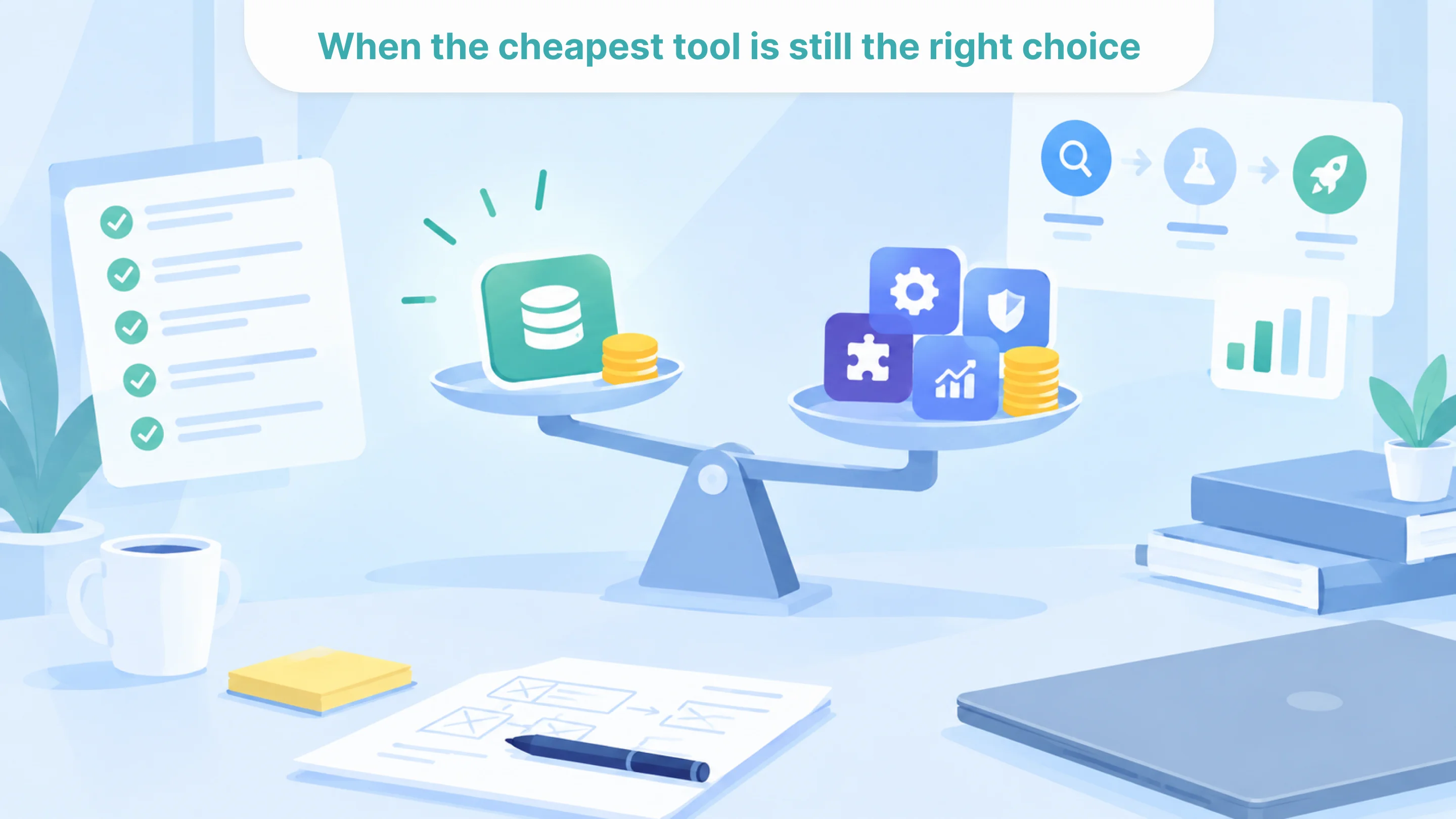
The cheapest AI tool is not always the wrong choice.
It may be the right option when the use case is narrow, the risk is low, the workflow is simple, and the team is still learning what it needs. A low-cost tool can help validate demand, test user behavior, and show whether automation is worth deeper investment.
The important thing is to be honest about the role of the tool.
If it is a pilot tool, it should be treated like one. The scope should stay small, the team should measure what it teaches, and the company should avoid building too much operational dependency around it too early.
If the tool is meant to become part of daily operations, the evaluation needs to be stricter. Integrations, governance, review, monitoring, user adoption, and long-term fit matter much more.
A cheap tool becomes expensive when the company expects it to behave like a production system without funding the work that production requires.
The real cost is the workflow it leaves behind
The true cost of an AI tool is not only what appears on the invoice.
It includes the manual work that remains, the integrations it requires, the review process it needs, the compliance questions it creates, the training it demands, the migration it may trigger later, the extra tools it adds to the stack, and the operational confusion it either reduces or increases.
For founders, COOs, finance leaders, and product leaders, the better approach is to evaluate the workflow after the tool is added, not the tool in isolation.
If the workflow becomes faster, clearer, easier to review, and easier to scale, the investment may be worth it. If the tool only adds another layer of work, the low price matters much less.
The cheapest AI tool is not always the one with the smallest subscription fee. It is the one that creates the least waste once the full workflow is counted.

Tell us about your project
Fill out the form or contact us

Tell us about your project
Thank you
Your submission is received and we will contact you soon
Follow us